
(II) Why Brands Should Pay Attention to Apple Messages for Business – and How to Get It Right
Updated: Nov 18, 2025
Key Building Blocks for a Successful AMB Implementation are critical to make it successful

As consumers shift toward messaging-first interactions, Apple Messages for Business (AMB) has emerged as one of the most trusted and frictionless channels for customer engagement. Unlike SMS or web chat, AMB lives natively inside Apple’s Messages app, the same place users communicate daily with friends and family. For brands, this creates an opportunity to offer secure, verified, and richly interactive experiences that drive sales, reduce support costs, and build lasting loyalty.
But success with AMB requires more than just activation. It demands thoughtful design, clear goals, mapped use cases, “tap-first” conversations, and the right balance between automation and human service. In this second part of our series, we break down the nine essential building blocks of a successful Apple Messages for Business implementation, from strategy and privacy to interactive design and continuous improvement.
1. Define Clear Channel Goals
Apple’s documentation emphasizes that brands should decide what they want to achieve in AMB. Goals may include increasing sales, reducing average handling time, boosting app adoption or gathering customer feedback. Once goals are defined, Apple can suggest strategies such as integrating the brand’s app into the conversation or sending customer surveys. Without clear objectives, it’s difficult to design conversations that create value.
Recommendation: In your planning phase, complete Apple’s Readiness Assessment to clarify your digital priorities (sales, cost reduction, app adoption) and determine expected conversation volumes. This helps your solution partner team recommend appropriate features and ensures internal stakeholders align on the purpose of the channel.
2. Map Use Cases Before Launch
Identify the top reasons customers will contact your business and design journeys around them. Apple suggests using a Use Case template to list at least four to five common scenarios,for example, booking appointments, accessing FAQs, reporting issues, requesting documents or engaging with marketing. Properly completed use cases provide the information needed to set up the channel, choose interactive features and achieve goals.
Recommendation: Collaborate with your customer service and marketing teams to list these scenarios. Share them with your solutions partner team and Apple AMB team to receive guidance on implementing the right interactive components.
3. Design “Tap‑First” Conversations Using Interactive Features
AMB’s rich messaging tools are central to delivering a frictionless customer journey. Choose the features that align with your use cases:
Recommendation: Start with a few interactive features that map directly to your highest‑volume use cases. As you collect feedback and analytics, expand into more advanced capabilities like augmented reality or in‑chat app experiences.
4. Create Multiple Entry Points
Because AMB is often user‑initiated, you must make it easy for customers to start the conversation. Apple allows entry via website buttons, app buttons, QR codes, social media links, Apple Maps place cards, Message Suggest, and NFC tags.
Recommendation: Place AMB buttons wherever customers seek support,on product pages, within order confirmation emails, and on your “Contact Us” page. For physical locations, add QR codes near checkout or on receipts. Encourage adoption by promoting the channel in marketing campaigns and letting customers know they can message you at their convenience.
5.Don’t forget about business updates
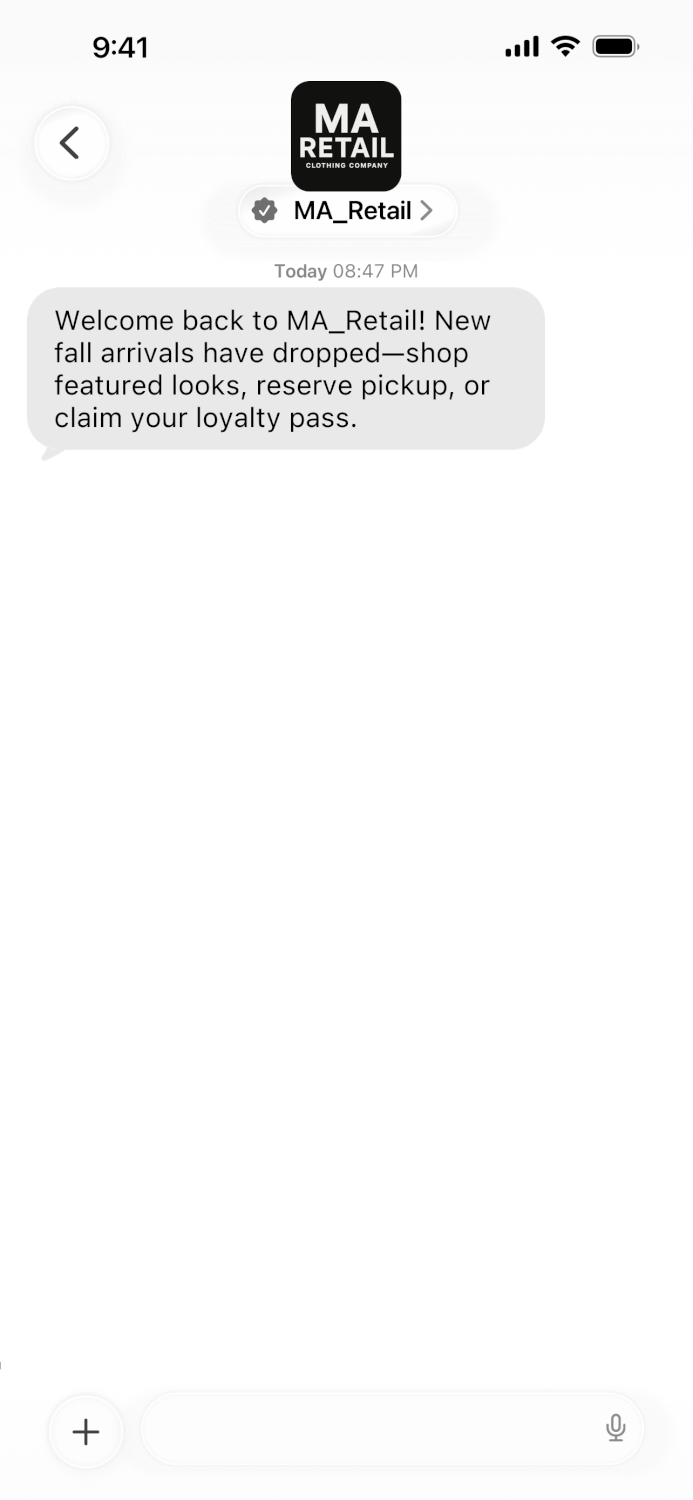
Apple Messages for Business isn’t just for customer support, it’s also ideal for proactive communication through Business Updates. They are branded invitations that allow a customer to begin engaging with a business in Apple Messages for Business. Once the user has joined the conversation, updates such as order confirmations, shipping notifications, appointment reminders, or product restock alerts can be sent as regular Apple Messages for Business messages.
These messages let brands share verified notifications like order confirmations, appointment reminders, service alerts, loyalty updates, or restock notices directly in the customer’s existing thread (with consent).
Why it matters: Business Updates keep customers informed and engaged while reducing reliance on SMS, email or other channels. They deliver trusted, secure information in a familiar environment and typically see higher read and response rates.


Recommendation: Start with high-value transactional updates such as order or appointment confirmations. Keep messages concise, use Quick Replies for simple actions (e.g., “Track Order”), and ensure all updates follow Apple’s consent and compliance rules. As adoption grows, expand into personalized alerts that add ongoing value..
6. Automate and Staff Appropriately
Automate data collection, order fulfilment, appointment scheduling and FAQ responses so human agents can focus on complex issues. At the same time, ensure you have enough agents to manage asynchronous conversations by forecasting expected volume and average handle times. Apple’s Readiness Assessment helps you estimate daily conversation volumes and growth projections.
Recommendation: Use chatbots to handle repetitive tasks and gather customer information up front. Invest in workforce management tools to determine staffing levels based on expected traffic and the number of concurrent chats each agent can handle.
7. Maintain Brand Voice and Compliance
Successful messaging requires consistency. Use a friendly, conversational tone, but stay on brand. Share your style guide with both live agents and bot designers. Apple imposes strict guidelines on messaging flows; your integration must be reviewed twice,after configuration and before launch. Work closely with your solutions partner provider or MSP to ensure compliance and incorporate Apple’s feedback.
Recommendation: Train agents to handle asynchronous conversations and follow escalation procedures. Regularly review transcripts to ensure compliance with Apple’s requirements and your industry’s regulations.
8. Protect Customer Privacy
Privacy is a key differentiator for AMB. Messages are encrypted, and user-initiated conversations are anonymous, until the user chooses to share personal identifiable information. AMB uses, a unique Opaque ID to identify each customer. Customers can delete conversations and block your business at any time. To earn trust, never request sensitive information that isn’t necessary and be transparent about how you handle data.
Recommendation: Use the built‑in authentication features rather than requesting passwords in plain text. Let customers know that you won’t share their data and provide links to your privacy policy.
9. Measure and Iterate
Monitor key metrics such as conversation volume, agent handling time, first response time, conversion rate and customer satisfaction (CSAT). According to Zendesk, 70 % of customers buy more from companies that offer seamless experiences. Use analytics to identify bottlenecks and iterate on flows. Solicit feedback directly within the chat via surveys or quick replies.
Recommendation: Combine AMB analytics with other channels to understand your customers’ journeys. Continuously refine your use cases and interactive features based on performance data.
Final Thoughts
Apple Messages for Business is more than a customer‑service channel, it’s a platform for building long‑term relationships with your high value customers. By defining clear goals, mapping use cases and designing “tap‑first” conversations, brands can delight customers and drive revenue. Multiple entry points ensure that conversations start wherever customers discover your brand, while automation and proper staffing balance efficiency with the human touch. Maintaining your brand voice, safeguarding privacy and complying with Apple’s guidelines are non‑negotiables; they protect both your customers and your reputation.
Adopting AMB isn’t a one‑time project, it requires continuous iteration. Measure success using key metrics and listen to customer feedback. As part of an omnichannel strategy, AMB can complement RCS, email, web chat and apps to create seamless experiences across the entire customer journey. Brands that master this channel will not only meet today’s expectations but will be ready for the next wave of customer interaction, whether it’s a new messaging channel or an evolution of conversational commerce.


Comments